Image SEO Best Practices for 2025

Alex Johnson
Web Performance Expert
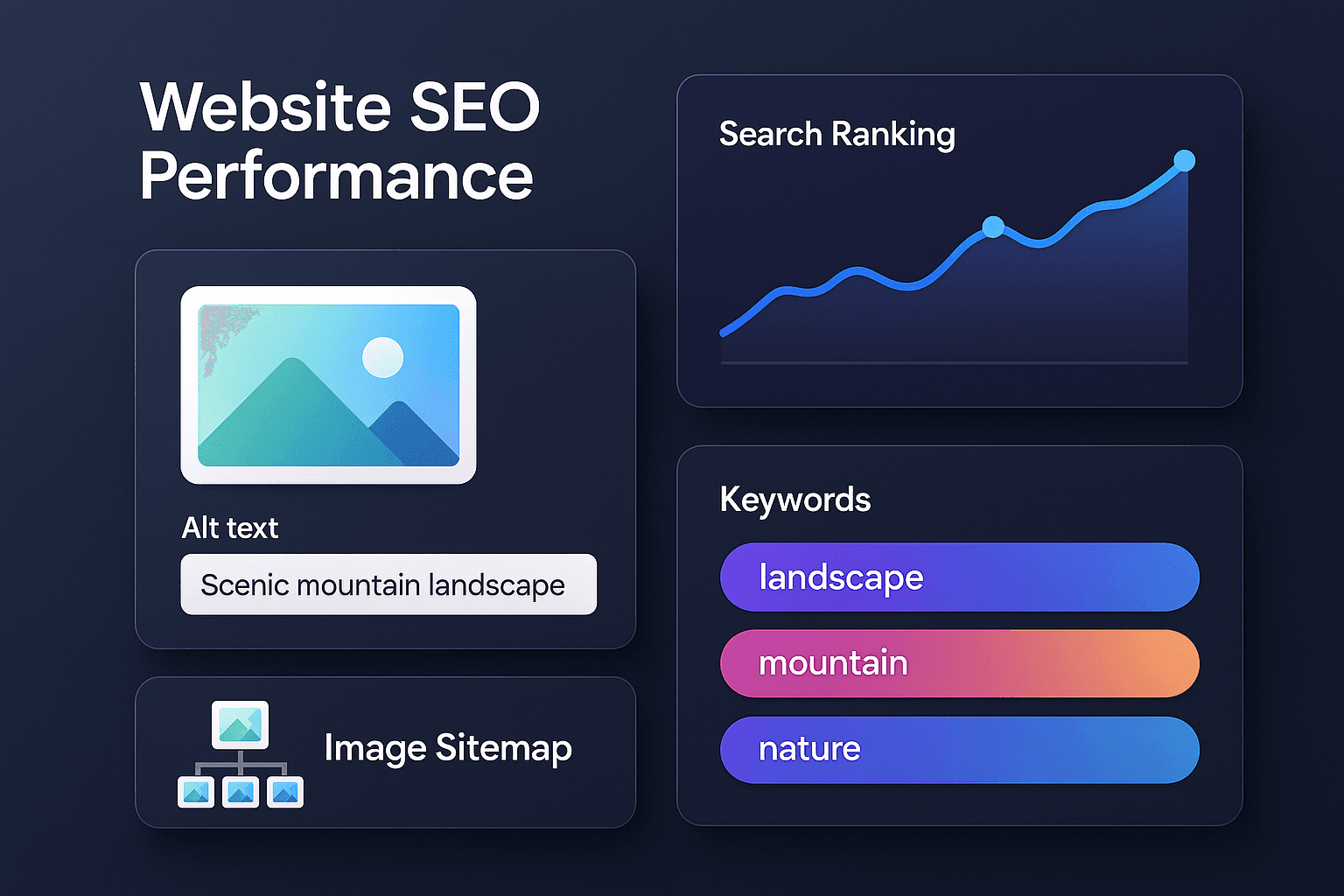
Images are more than just visual elements—they're powerful SEO assets that can drive significant organic traffic to your website. Google Images accounts for over 20% of all web searches, yet most websites completely neglect image optimization. This guide will show you how to leverage images for better search rankings.
Why Image SEO Matters
Properly optimized images can:
- Appear in Google Image Search results
- Improve your page's overall SEO score
- Increase page load speed (a ranking factor)
- Enhance user experience
- Drive traffic from image searches
The 10 Pillars of Image SEO
1. Use Descriptive File Names
Bad: IMG_1234.jpg, photo.png
Good: red-running-shoes-nike.jpg, chocolate-cake-recipe.jpg
Search engines read file names. Make them descriptive and include relevant keywords.
2. Optimize Alt Text
Alt text serves two purposes: accessibility and SEO.
Formula: Describe what's in the image + context
Example: alt="Woman wearing red Nike running shoes on mountain trail"
Don't: Keyword stuff or write essays
3. Compress Images for Speed
Page speed is a direct ranking factor. Large images slow down your site.
- Target: Under 100KB for most images
- Tools: TinyPNG, Squoosh, ImageOptim
- Format: Use WebP when possible
4. Use Responsive Images
Serve appropriately sized images for different devices using srcset.
This improves mobile performance, which is crucial since Google uses mobile-first indexing.
5. Implement Lazy Loading
Lazy loading defers off-screen images, improving initial page load time.
Modern browsers support native lazy loading: loading="lazy"
6. Create an Image Sitemap
Help search engines discover all your images by including them in your XML sitemap.
This is especially important for images loaded via JavaScript.
7. Use Structured Data
For product images, recipes, and other specific content types, implement structured data (Schema.org) to enhance how your images appear in search results.
8. Optimize Image Dimensions
Google prefers images that are at least 1200px wide for featured snippets and rich results.
- Minimum: 1200 x 675px
- Aspect ratio: 16:9 or 4:3
9. Use Descriptive Captions
While not a direct ranking factor, captions provide context and can include keywords naturally.
10. Host Images on Your Domain
Avoid hotlinking or using external CDNs for critical images. Hosting images on your own domain helps build your site's authority.
Advanced Techniques
Image Content Optimization
Google's AI can understand image content. Ensure your images are relevant to the surrounding text and page topic.
Open Graph Images
Optimize images for social sharing with Open Graph tags. These images appear when your content is shared on social media, driving traffic.
Image Freshness
Regularly update images on important pages. Google favors fresh content, including images.
Common Mistakes to Avoid
- Using generic stock photos
- Ignoring mobile image optimization
- Missing alt text
- Using text-heavy images (text should be HTML)
- Blocking images in robots.txt
Measuring Success
Track these metrics in Google Search Console:
- Image search impressions
- Image search clicks
- Average position in image search
- Page load speed improvements
The Bottom Line
Image SEO is low-hanging fruit that most websites ignore. By following these best practices, you can gain a significant competitive advantage and drive substantial organic traffic from image searches.