Understanding Image Formats: When to Use Each Type

Sarah Chen
Frontend Developer
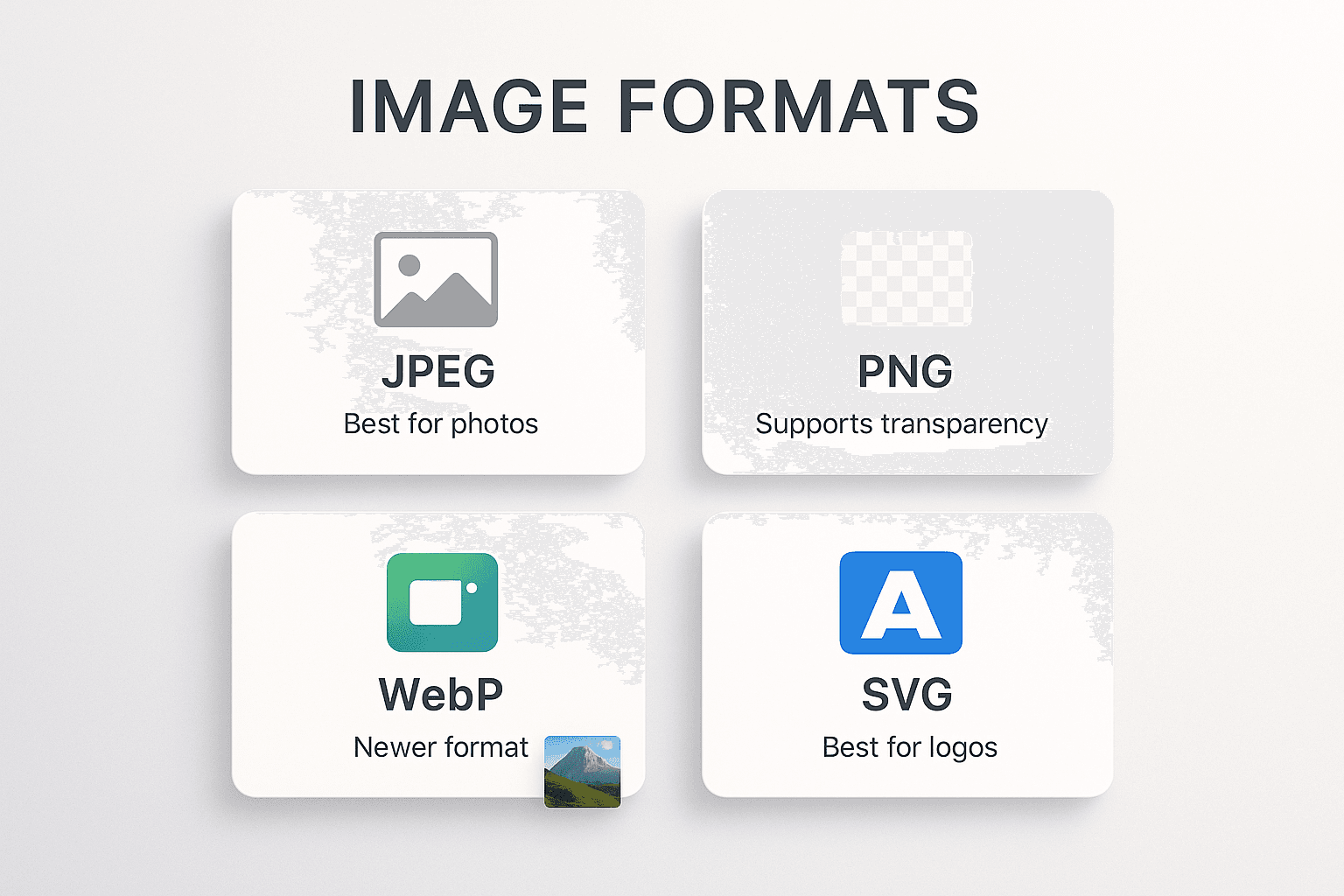
In the realm of web development, choosing the right image format is akin to choosing the right tool for a job. It's a decision that impacts not just the visual quality of your site but also its performance and user experience. With a plethora of formats available in 2025, understanding the strengths and weaknesses of each is crucial.
The Big Three: JPEG, PNG, and WebP
1. JPEG (Joint Photographic Experts Group)
The veteran of image formats, JPEG has been the standard for photographs for decades.
- Best Use Case: Complex photographs with millions of colors and gradients.
- Pros: Universal compatibility, small file sizes via lossy compression.
- Cons: No transparency support, artifacts can appear at high compression levels, not suitable for text or sharp lines.
2. PNG (Portable Network Graphics)
PNG was designed to replace GIF and offers lossless compression.
- Best Use Case: Logos, icons, screenshots, and images requiring transparency.
- Pros: Crisp details, supports transparency (alpha channel), lossless (no quality degradation).
- Cons: File sizes can be significantly larger than JPEGs, especially for photographs.
3. WebP (Web Picture)
The modern standard. WebP was designed by Google to replace both JPEG and PNG.
- Best Use Case: Almost everything on the web.
- Pros: Superior compression (26% smaller than PNG, 25-34% smaller than JPEG), supports both transparency and animation.
- Cons: older browsers (pre-2020) might need a fallback, though support is now near-universal.
Emerging Contenders: AVIF and HEIC
AVIF (AV1 Image File Format)
AVIF is the cutting-edge format derived from the AV1 video codec. It offers astonishing compression rates, often half the size of WebP for the same quality.
- The Catch: Encoding can be slow, and while browser support is good, it's not yet 100%. It's the future, but use it with a
<picture>tag fallback.
HEIC (High Efficiency Image Container)
Popularized by Apple, HEIC is great for storage on devices but less common for web delivery due to licensing and browser support issues.
Decision Framework: Which Format Should I Use?
Here is a simple decision tree to help you choose:
1. Is it a photograph? -> Use WebP (fallback to JPEG).
2. Does it need transparency? -> Use WebP (fallback to PNG).
3. Is it an icon or simple graphic? -> Use SVG (Scalable Vector Graphics) for infinite scalability.
4. Is it an animation? -> Use WebP or MP4/WebM video (avoid GIFs, they are huge!).
The Future is Adaptive
The best approach in 2025 is not to pick one format, but to let the browser decide. Using the HTML <picture> element allows you to provide an AVIF, a WebP, and a JPEG, ensuring every user gets the best possible experience their device can handle.