Image Compression Algorithms Explained

Sarah Chen
Frontend Developer
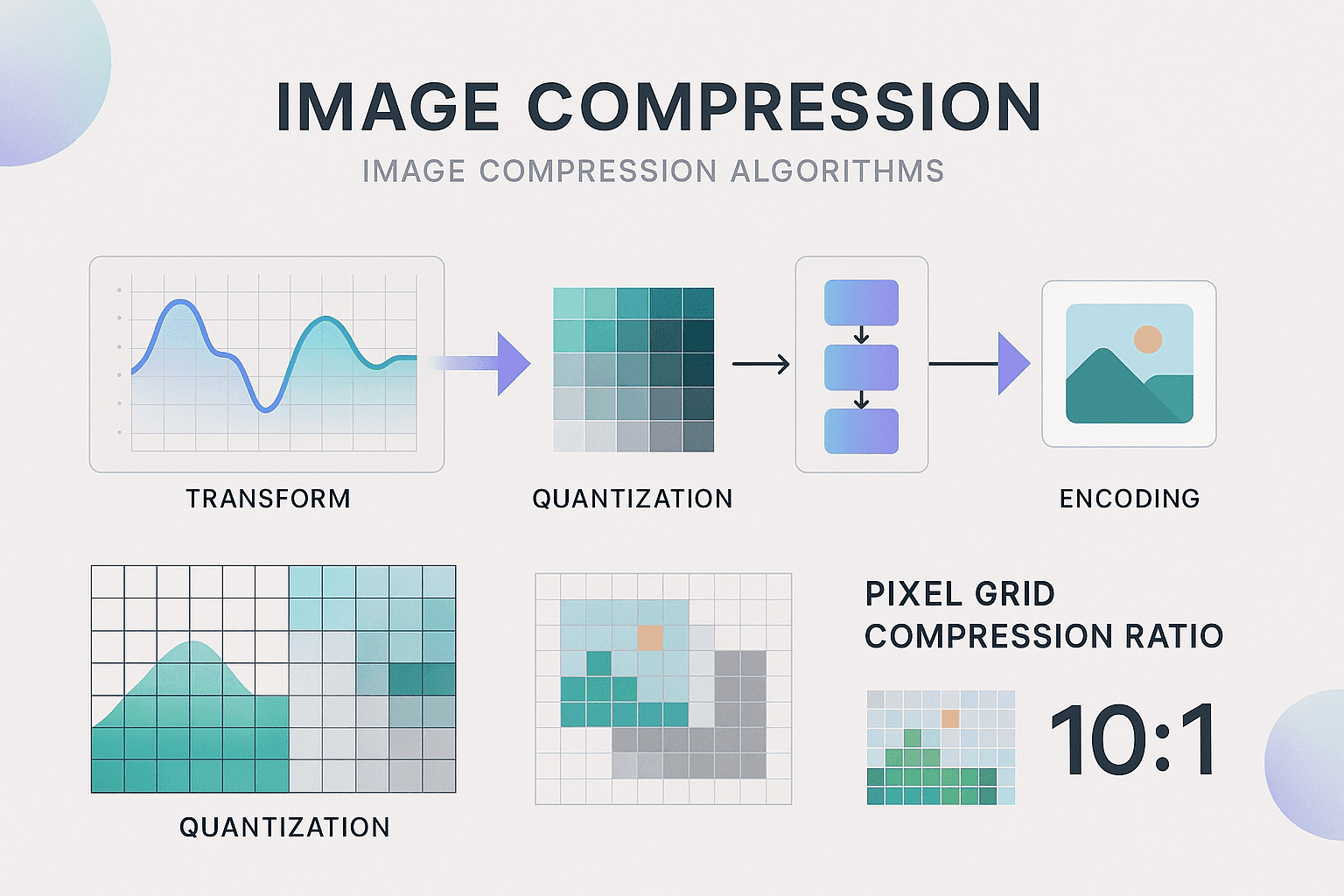
Every time you save an image, compression algorithms work behind the scenes to reduce file size. But how do they actually work? Understanding compression algorithms helps you make better decisions about image quality, format selection, and optimization strategies.
The Two Types of Compression
Lossless Compression: Perfect Preservation
Lossless compression reduces file size without losing any information. When you decompress, you get exactly the original image back.
How it works: Finds patterns and redundancies in the data and represents them more efficiently.
Example: Instead of storing "red, red, red, red, red", store "5x red".
Formats: PNG, GIF, WebP (lossless mode), TIFF
Compression ratio: Typically 10-50% reduction
Lossy Compression: Strategic Sacrifice
Lossy compression achieves much smaller files by permanently discarding information that's less noticeable to human eyes.
How it works: Removes details that humans can't easily perceive.
Formats: JPEG, WebP (lossy mode), AVIF
Compression ratio: Typically 60-95% reduction
How JPEG Compression Works
JPEG is the most widely used lossy format. Here's what happens when you save a JPEG:
Step 1: Color Space Conversion
RGB (Red, Green, Blue) is converted to YCbCr (Luminance, Blue-difference, Red-difference).
Why: Human eyes are more sensitive to brightness (Y) than color (Cb, Cr). We can compress color more aggressively.
Step 2: Chroma Subsampling
Color information is reduced while keeping brightness at full resolution.
Common ratio: 4:2:0 (color at 1/4 resolution of brightness)
File size impact: 30-50% reduction
Visual impact: Minimal in most images
Step 3: Discrete Cosine Transform (DCT)
The image is divided into 8x8 pixel blocks. Each block is transformed from spatial domain to frequency domain.
Result: Separates high-frequency details from low-frequency information.
Step 4: Quantization
This is where quality loss happens. High-frequency components (fine details) are reduced or eliminated based on the quality setting.
Quality 100: Minimal quantization
Quality 50: Aggressive quantization
Quality 10: Very aggressive, visible artifacts
Step 5: Entropy Encoding
The quantized data is compressed using Huffman coding (a lossless compression technique).
How PNG Compression Works
PNG uses lossless compression with a clever multi-stage approach:
Step 1: Filtering
Each row of pixels is filtered to make patterns more obvious. Five filter types are available, and PNG chooses the best for each row.
Step 2: DEFLATE Compression
The filtered data is compressed using DEFLATE (the same algorithm used in ZIP files).
How it works: Finds repeated sequences and replaces them with references.
Optimization Opportunity
Tools like OptiPNG and pngquant can:
- Try all filter combinations to find the best
- Reduce color palette (PNG-8 instead of PNG-24)
- Remove unnecessary metadata
Result: 10-70% smaller files with zero quality loss
How WebP Compression Works
WebP combines techniques from both JPEG and PNG, plus some innovations:
Lossy WebP
Uses predictive coding (similar to video compression) to achieve better compression than JPEG.
Advantage: 25-35% smaller than equivalent quality JPEG
Lossless WebP
Uses advanced techniques including:
- Spatial prediction
- Color space transformation
- Entropy coding
Advantage: 26% smaller than PNG on average
How AVIF Compression Works
AVIF is based on the AV1 video codec and represents the cutting edge of image compression.
Key Innovations
- Better color handling: Supports wide color gamuts
- Advanced prediction: Learns from surrounding pixels
- Flexible block sizes: Not limited to 8x8 blocks
Result: 50% smaller than JPEG at same quality (in ideal cases)
Tradeoff: Slower encoding and decoding
Perceptual Quality Metrics
Not all compression is created equal. Modern algorithms use perceptual quality metrics:
SSIM (Structural Similarity Index)
Measures how similar two images appear to human eyes.
Range: 0 (completely different) to 1 (identical)
Good score: Above 0.95
VMAF (Video Multi-Method Assessment Fusion)
Originally for video, now used for images. Predicts perceived quality.
Range: 0-100
Good score: Above 90
Choosing the Right Compression
For Photographs
Best: WebP lossy or AVIF
Fallback: JPEG quality 75-85
Why: Lossy compression works well on complex images
For Graphics/Logos
Best: WebP lossless or PNG
Why: Sharp edges and text need lossless compression
For Transparency
Best: WebP or PNG
Why: JPEG doesn't support transparency
Advanced Optimization Techniques
Progressive Encoding
Images load in multiple passes, showing a low-quality version first.
Formats: JPEG (progressive), PNG (interlaced)
Benefit: Perceived faster loading
Adaptive Quality
Apply different quality settings to different parts of the image.
Example: High quality on faces, lower quality on backgrounds
Tools: JPEG XL supports this natively
Chroma Subsampling Optimization
For images with important color details (product photos), use 4:4:4 (no subsampling) instead of 4:2:0.
Tradeoff: Larger file size, better color accuracy
The Future: JPEG XL
JPEG XL is designed to replace both JPEG and PNG:
- Better compression than both
- Supports both lossy and lossless
- Progressive decoding
- Lossless JPEG recompression
Status: Limited browser support (2025), but promising
Practical Takeaways
1. Understand the tradeoff: Smaller files = some quality loss (usually imperceptible)
2. Use the right format: WebP for most cases, PNG for transparency/graphics
3. Quality sweet spot: 75-85 for lossy formats
4. Test and measure: Use tools to compare file size vs. quality
5. Automate: Use build tools to optimize images automatically
Conclusion
Compression algorithms are sophisticated tools that balance file size and quality. By understanding how they work, you can make informed decisions that result in faster websites without sacrificing visual appeal.